Private image redaction
Share the image.Keep it private.Cover sensitive details
Scan for sensitive text, add covers, then review before sharing. All in your browser.
Add up to 3 images to begin.
Only applies to images added next. Non-English choices also recognize English. Interface language stays separate.
Add, drop, or paste up to 3 images to begin.
Use Blackout. Blur and pixelation may be reversible.
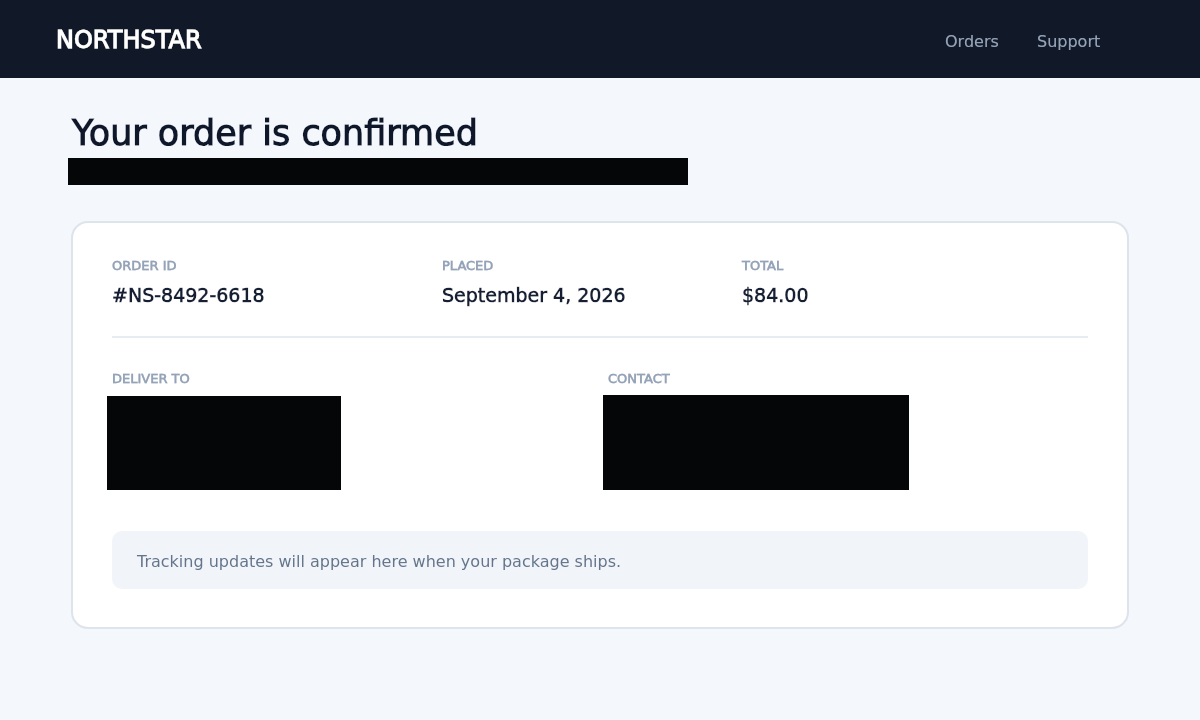
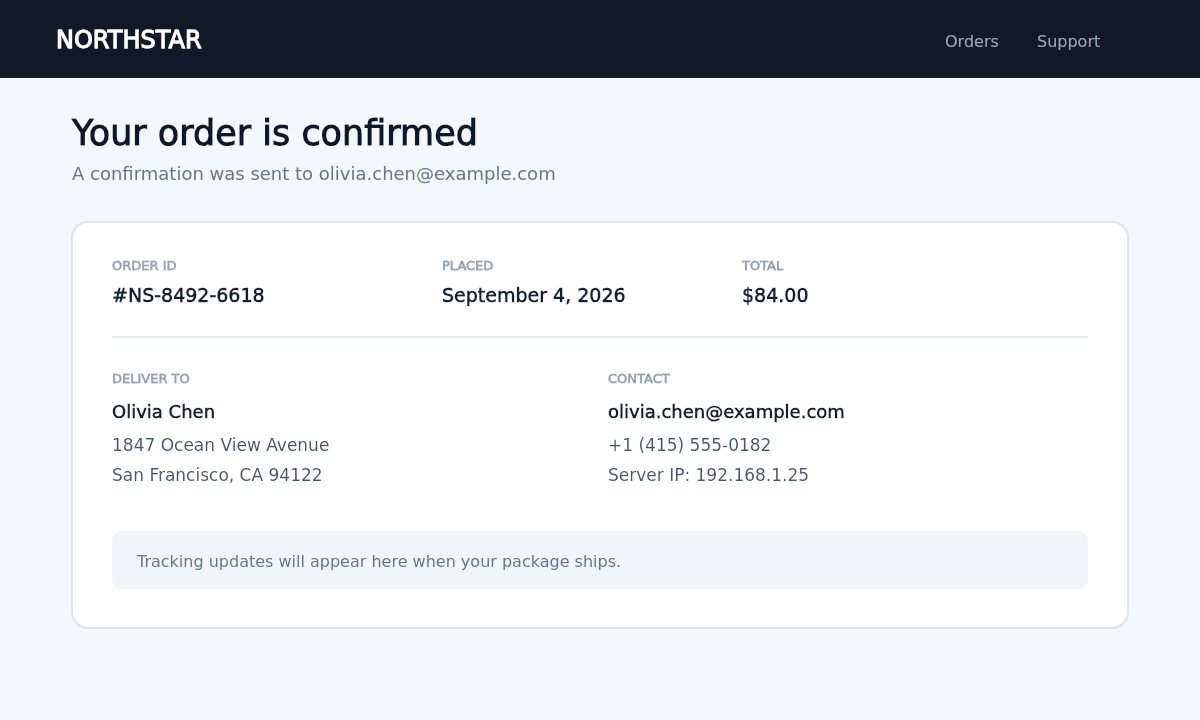 OriginalCovered
OCR and image editing run entirely in this browser.
A simple routine before sharing
A little care before you share
- 01
Add
Add up to 3 images. Pick their text language for the local scan.
- 02
Cover
Review scan suggestions and draw covers over anything else you want to hide.
- 03
Review & save
Check each image, then download a PNG or the reviewed batch as a ZIP.
Your images stay in your browser.
Veil processes images locally. It does not upload image pixels or recognized text to an OCR server.
PrivacyAre my images uploaded?
No. Editing and OCR run in your browser. This site only serves the app and language models.
Will the scan find everything?
It can miss details. Name and address rules mainly target English. Check faces, names, addresses and QR codes yourself.
Which cover should I use?
Use Blackout for private text. Blur and pixelation keep some visual information and are less suitable for secrets.